
Maths — No Problem! Customers
Please note that we only host Maths — No Problem! content, but we do not share any account information between companies. You will need to set up your school separately in Pomegranate.
To manage your school’s Pomegranate subscription, you’ll need an administrative account.
Follow these steps to get started:
Open Your Welcome Email
- You will get a welcome email from Pomegranate. Check your spam or junk folder if you don’t see it.
- Click "Accept Invite" in the email to begin the sign-up process.
Note: If you do not see a Welcome to Pomegranate email, please reach out our team directly for assistance.
Complete the Signup Process
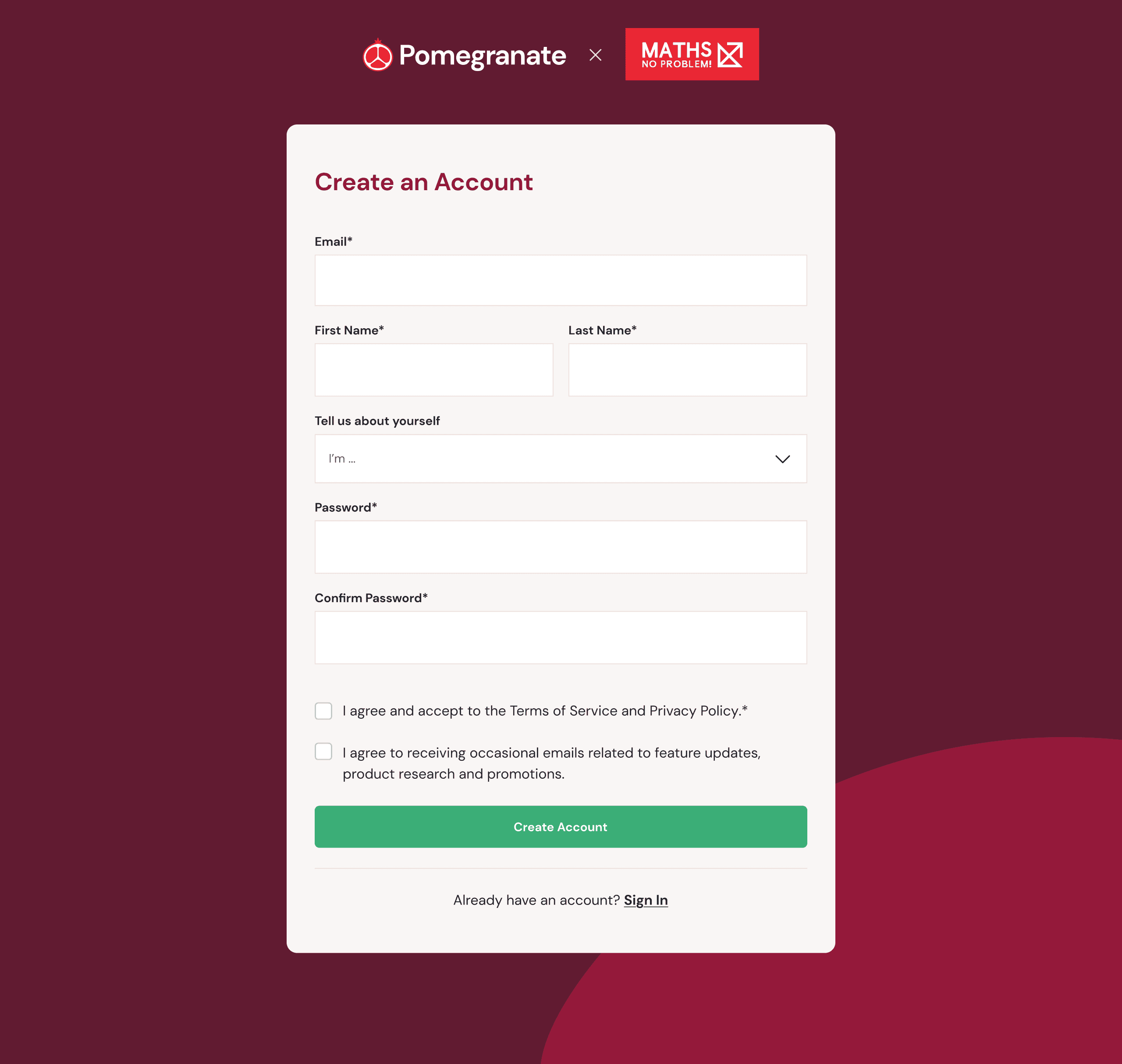
- You'll be asked to create a new account on the first page if you are brand new to Pomegranate.
- Click Sign In at the bottom of the form if you already have an account with us.
- For security reasons, you'll be prompted one more time to confirm that you are joining the school under the correct email address. Click "Accept and Continue".
- You'll be taken back to the main page with new links added to your left-hand navigation bar.
Verify Your Administrative Access
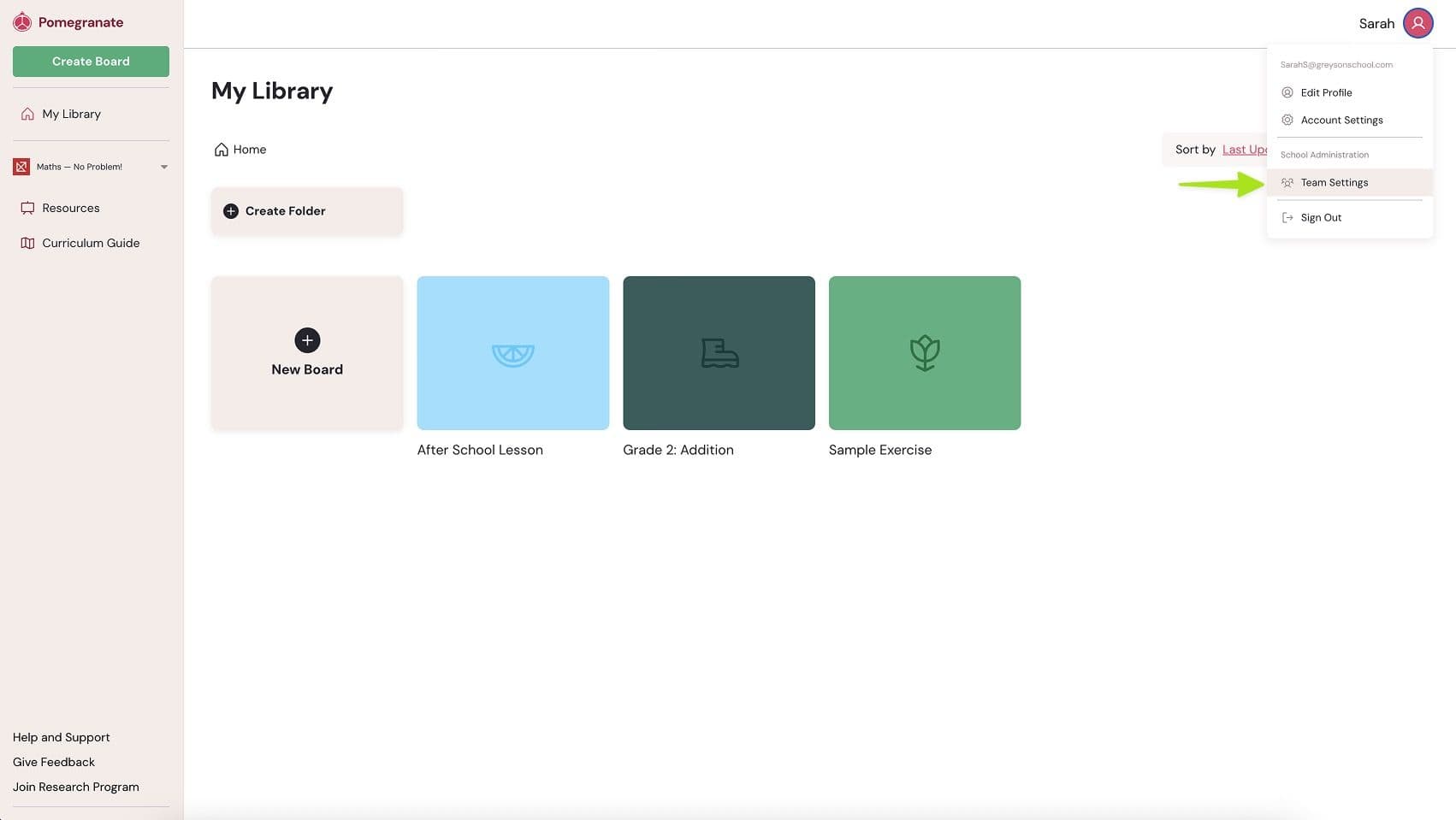
Check two areas of the app to ensure you have full subscription access:
- In the Account dropdown, you should see "Team Settings".
- In the left-hand navigation, you should see publisher resources.
You’re Ready to Go
Once you confirm these settings, your administrative account is fully set up and ready to manage your school’s subscription.
Read step-by-step instructions on getting your teachers set up on Pomegranate.
Need Help?
If you’re not sure who your school administrator is or you believe you should have an admin account, contact our Customer Support team for assistance.