
You can customize your currency and units of measurement in Pomegranate to match your preferences or classroom needs.
Changing Currency
Default currency preferences is managed at the account level.
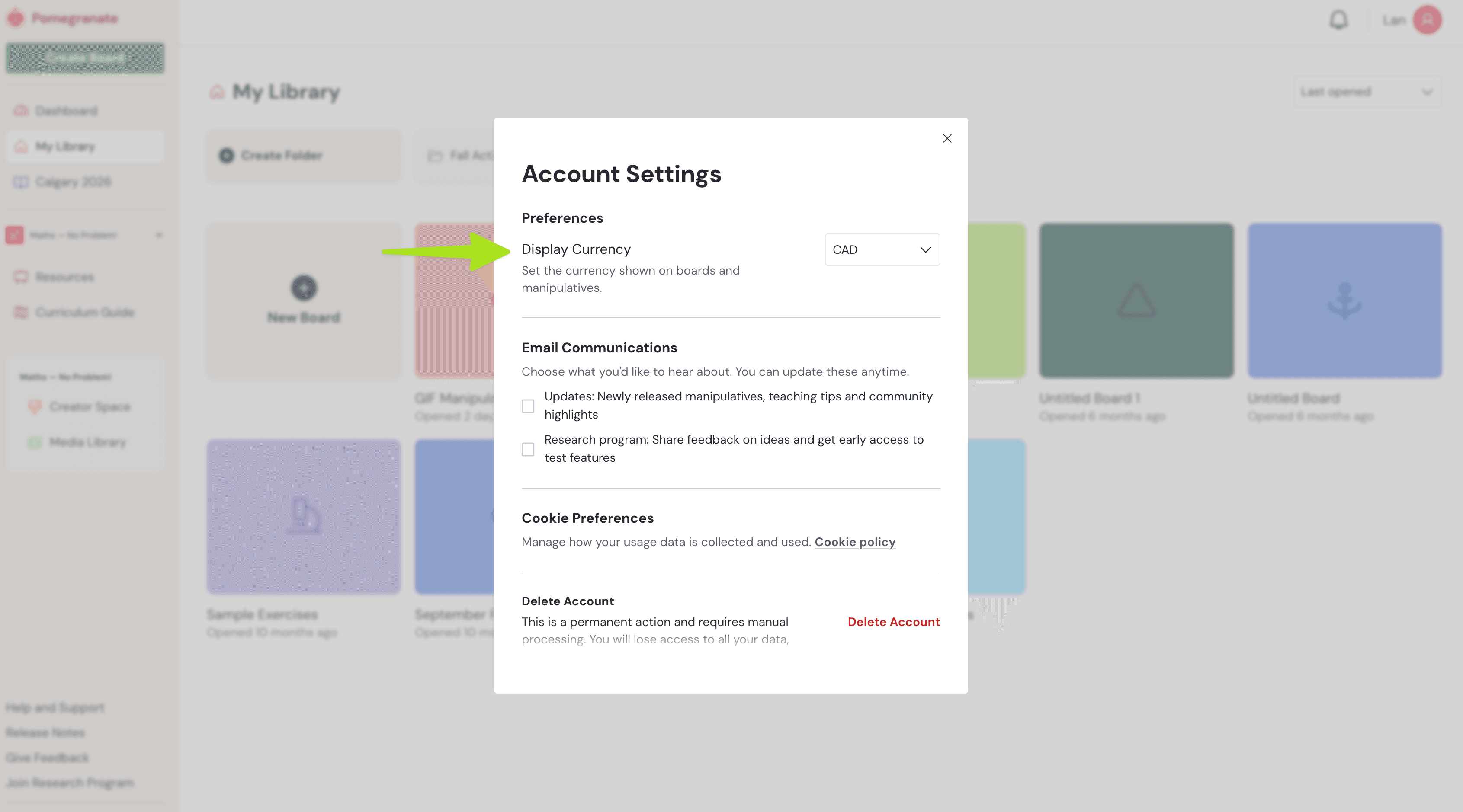
Go to "Account Settings" in the top left area of the main screen -> Select your currency of choice.
- Moving forward, new boards you create will default to the currency of your choice.
- Your previously created boards (that use money) will not be affected by this change.
Changing Units of Measurement
Units of measurement can be set per board.
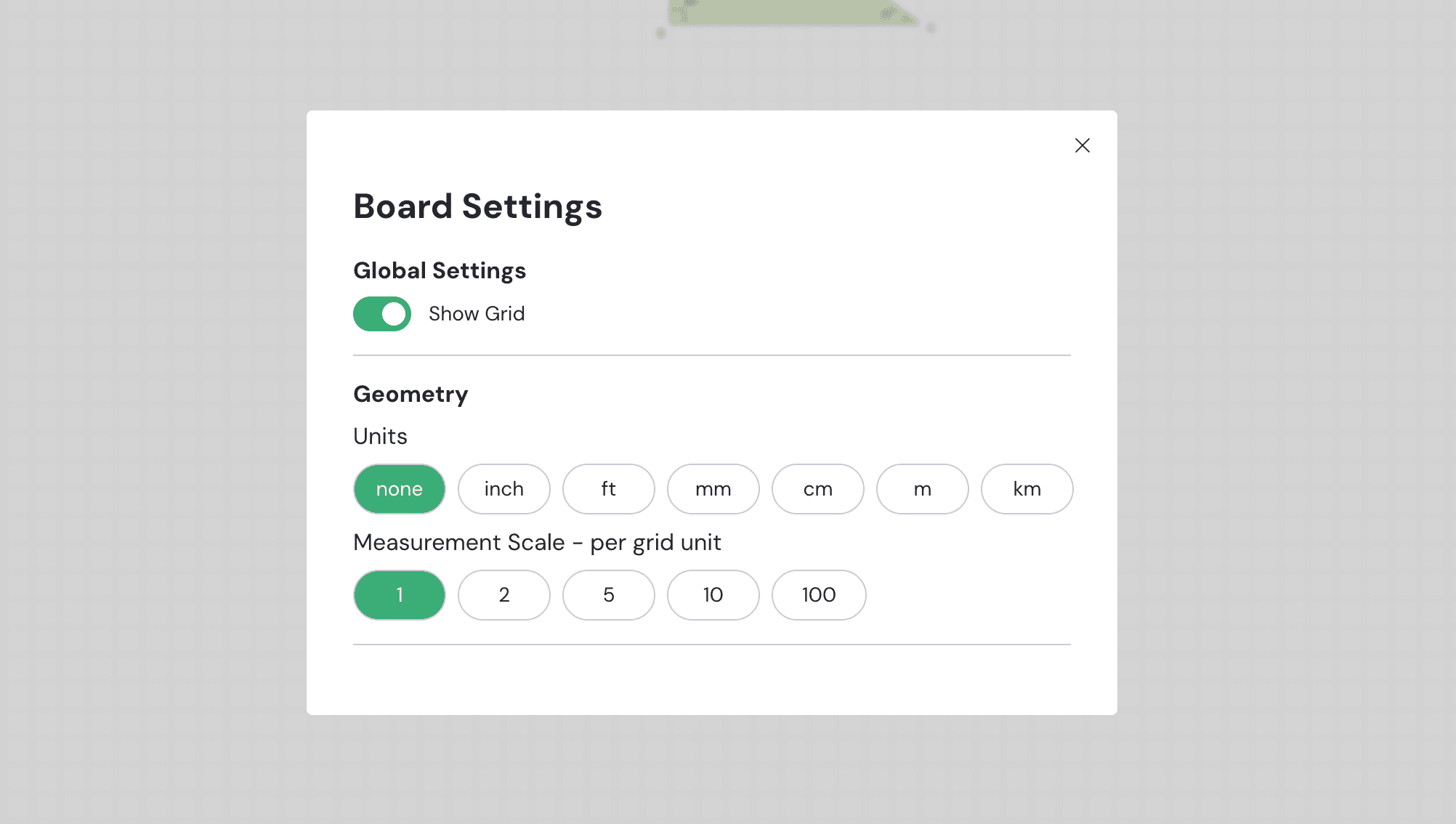
- Open the board you want to edit -> Click the gear icon.
- Under Geometry, choose your preferred unit of measurement (e.g., metric or imperial).
- All your current and future geometry manipulatives on that board will be updated by this change.
Publisher Content
Note: If you’re using ready-made publisher content, the publisher will set the default currency and units of measurement for those lessons.